 TestOwl
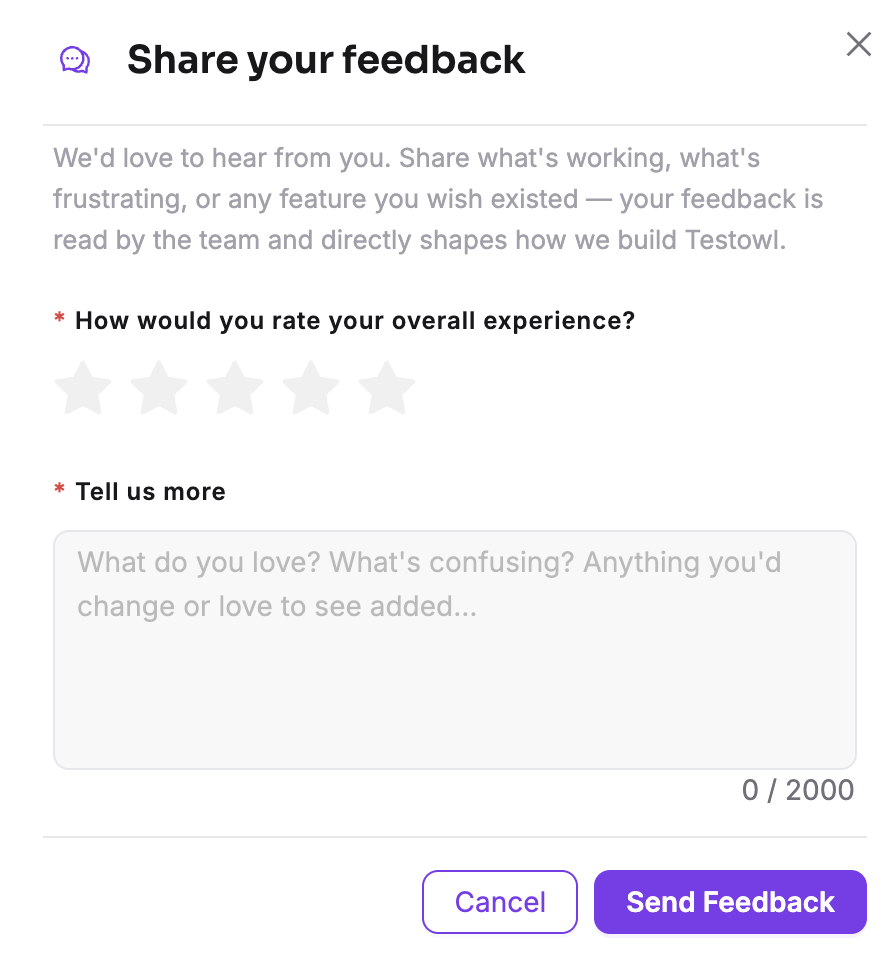
Sending Feedback
Help us improve TestOwl by sharing your ideas, reporting issues, or telling us about anything that could work better.
Sending feedback
- 1Open Feedback from the sidebar.
- 2Select a star rating.
- 3Enter your feedback.
- 4Click Submit.
Info
Feedback is linked to your TestOwl account so our team has the context needed to review it and, if necessary, follow up with you.
Tips for useful feedback
The more detail you provide, the easier it is for us to understand and investigate.
Include things like:
- What you were trying to do.
- What happened instead.
- The page or feature you were using.
- Steps to reproduce the issue, if applicable.
Need direct assistance?
The Feedback form is designed for suggestions, feature requests, and reporting issues. If you need direct help from the TestOwl team, visit Contact Us.